

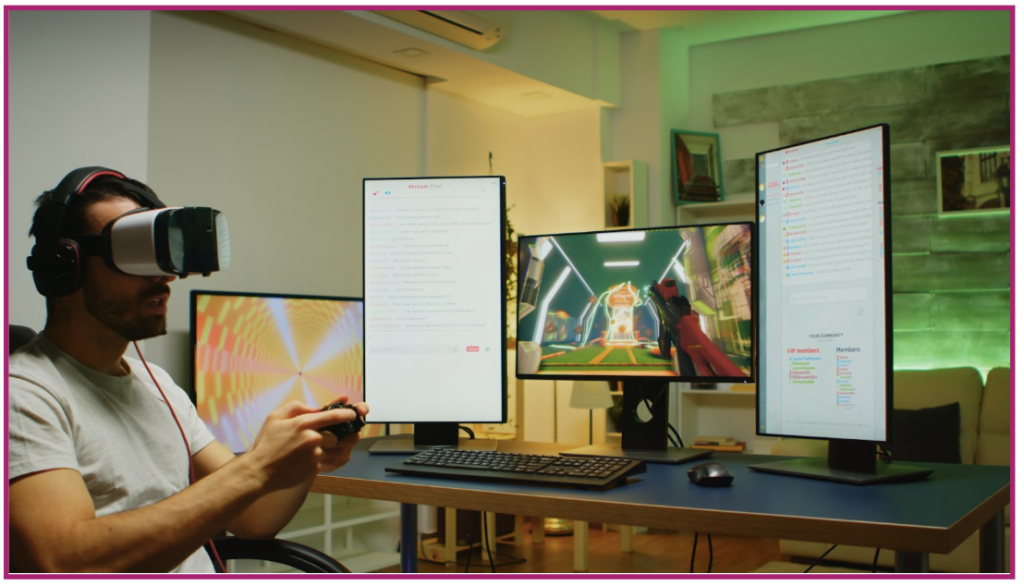
User experience has become a decisive factor in online gaming performance. In Nigeria, where more than 70% of digital entertainment traffic comes from mobile and hybrid devices, the question of device optimization is no longer theoretical. For operators, developers, and platforms such as casino ng, understanding whether PC or tablet delivers the better gaming experience directly affects session length, retention, and monetization.
This article explores PC and tablet gaming UX from an informational perspective, focusing on usability, performance, player behavior, and real-world data from mobile-first markets like Nigeria.
How PC gaming UX is structured
PC-based gaming environments are built around precision and control. Large screens, full keyboards, and external input devices allow for complex interfaces and detailed visual elements.
From a UX standpoint, PCs offer superior information density. Dashboards, multi-window layouts, advanced filters, and detailed statistics are easier to present without overwhelming the user. Studies show that players using desktop devices interact with 25–30% more interface elements per session compared to mobile or tablet users.
Another advantage is performance stability. PCs typically handle higher frame rates, richer graphics, and faster response times, which is particularly relevant for strategy-heavy or multi-feature games.
However, PC gaming in Nigeria is often limited by accessibility. Desktop usage accounts for less than 20% of total gaming sessions, largely due to hardware costs and power reliability.
Tablet UX: mobility without full compromise
Tablets sit between PCs and smartphones. They offer larger screens than phones while retaining mobility, making them especially popular for casual and mid-length gaming sessions.
UX design for tablets prioritizes touch interaction. Buttons are larger, navigation is simplified, and layouts are optimized for portrait and landscape modes. Data from regional usage reports indicates that tablet users spend 15–20% more time per session than smartphone users, largely due to improved readability and comfort.
In Nigeria, tablets are often shared devices within households. This influences UX decisions such as quick login options, session persistence, and simplified navigation paths.
Interaction models and control differences
PC interfaces rely on precision input. Mouse and keyboard controls allow fast navigation, multi-tasking, and fine-grained actions. This benefits experienced users who value speed and customization.
Tablet interaction is gesture-based. Swipes, taps, and pinch actions create a more intuitive experience for casual players. However, touch input reduces accuracy for complex interactions, which is why tablet UX tends to limit on-screen elements.
Behavioral data suggests that tablet users favor streamlined experiences, while PC users tolerate — and often prefer — deeper interface complexity.
Performance, load times, and connectivity
Performance directly shapes UX perception. PCs generally outperform tablets in processing power, but tablets often benefit from better optimization for specific use cases.
On average, tablet-optimized games load 10–15% faster than desktop versions on mid-range hardware, primarily due to simplified assets. However, PCs maintain more consistent performance during long sessions.
Connectivity also matters. Tablets connected via mobile networks may experience fluctuations, while PCs using fixed broadband offer more stable connections. In Nigeria, where network quality varies significantly, this factor plays a major role in user satisfaction.
UX impact on retention and engagement
Retention patterns differ by device. PC users tend to have fewer but longer sessions, often exceeding 40 minutes. Tablet users log in more frequently, with shorter but more consistent sessions.
Analytics from multi-device platforms show that users who switch between PC and tablet have up to 25% higher lifetime value. This suggests that cross-device UX consistency is more important than choosing a single “best” platform.
Clear navigation, responsive layouts, and synchronized accounts significantly improve engagement across both devices.
Which device delivers better UX in Nigeria?
There is no universal answer. For advanced users, PCs provide depth, control, and performance. For the broader Nigerian audience, tablets offer accessibility, comfort, and flexibility.
The most effective approach is adaptive UX. Platforms that tailor interfaces dynamically based on screen size and input method outperform single-device designs by a measurable margin. Data shows up to 18% higher retention when UX adapts seamlessly between PC and tablet environments.
Practical takeaways for operators and designers
Optimizing UX is not about choosing PC or tablet. It is about understanding user context. Power users gravitate toward desktops. Casual and mobile-first users prefer tablets.
Design decisions should be driven by data: session length, interaction patterns, and device switching behavior. When UX supports both environments equally well, users stay longer and return more often.
Conclusion and key insight
PC and tablet gaming experiences serve different needs. PCs excel in complexity and control. Tablets excel in accessibility and comfort. In Nigeria’s mobile-driven market, the strongest UX strategies embrace both.
The real advantage lies in flexibility. Platforms that deliver consistent, adaptive experiences across devices create stronger engagement and long-term growth.
FAQ
Is PC UX better than tablet UX for all players?
No. PC UX suits advanced users, while tablets are better for casual and mobile-first players.
Do tablets provide enough performance for modern games?
Yes, for most casual and mid-complexity titles, tablet performance is more than sufficient.
Should platforms optimize for both PC and tablet?
Absolutely. Cross-device optimization improves retention and overall user value.